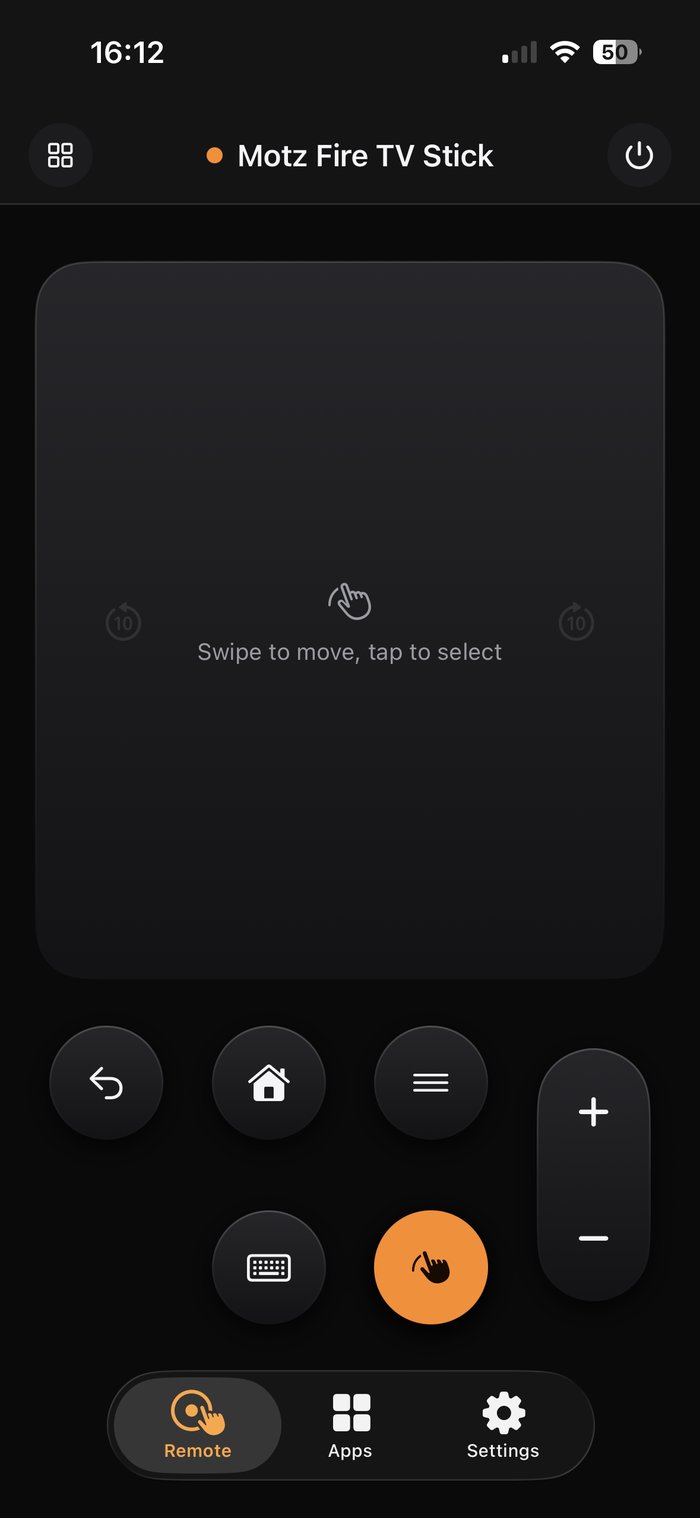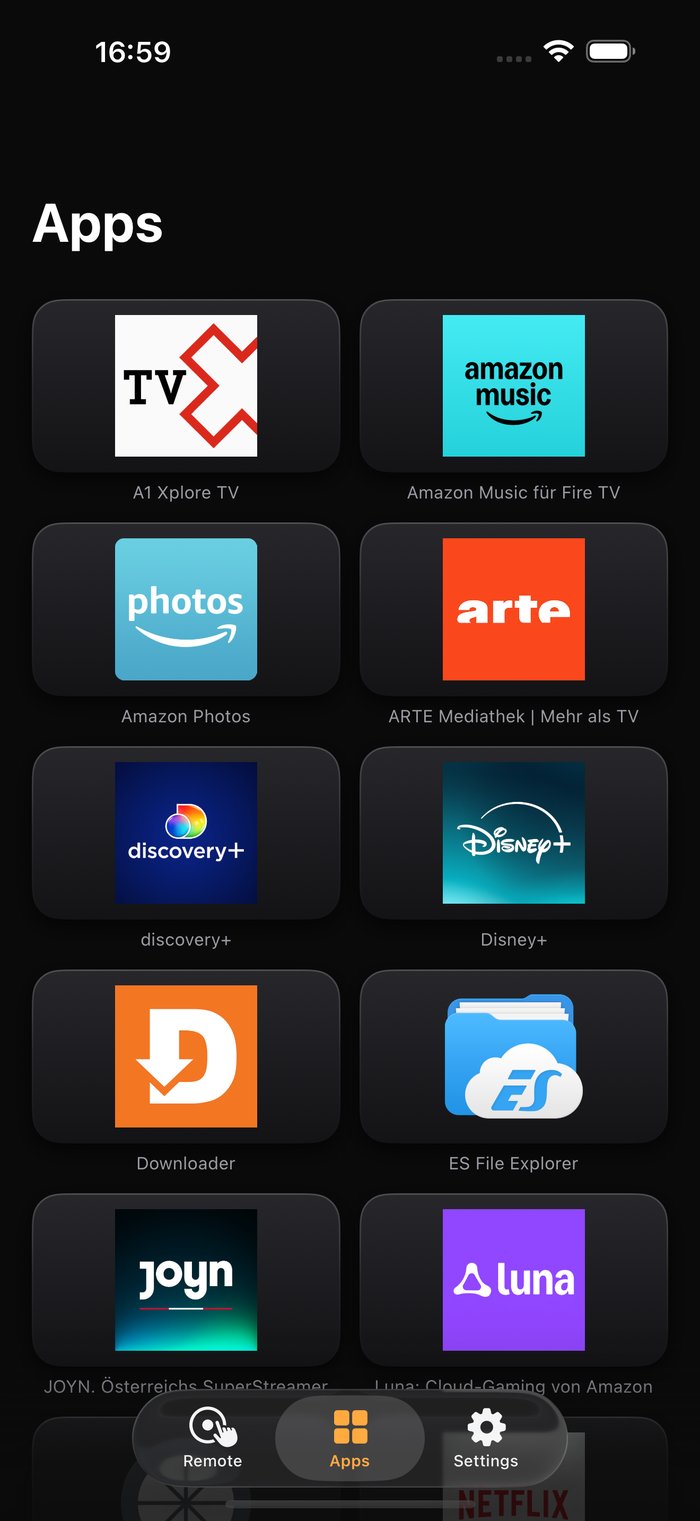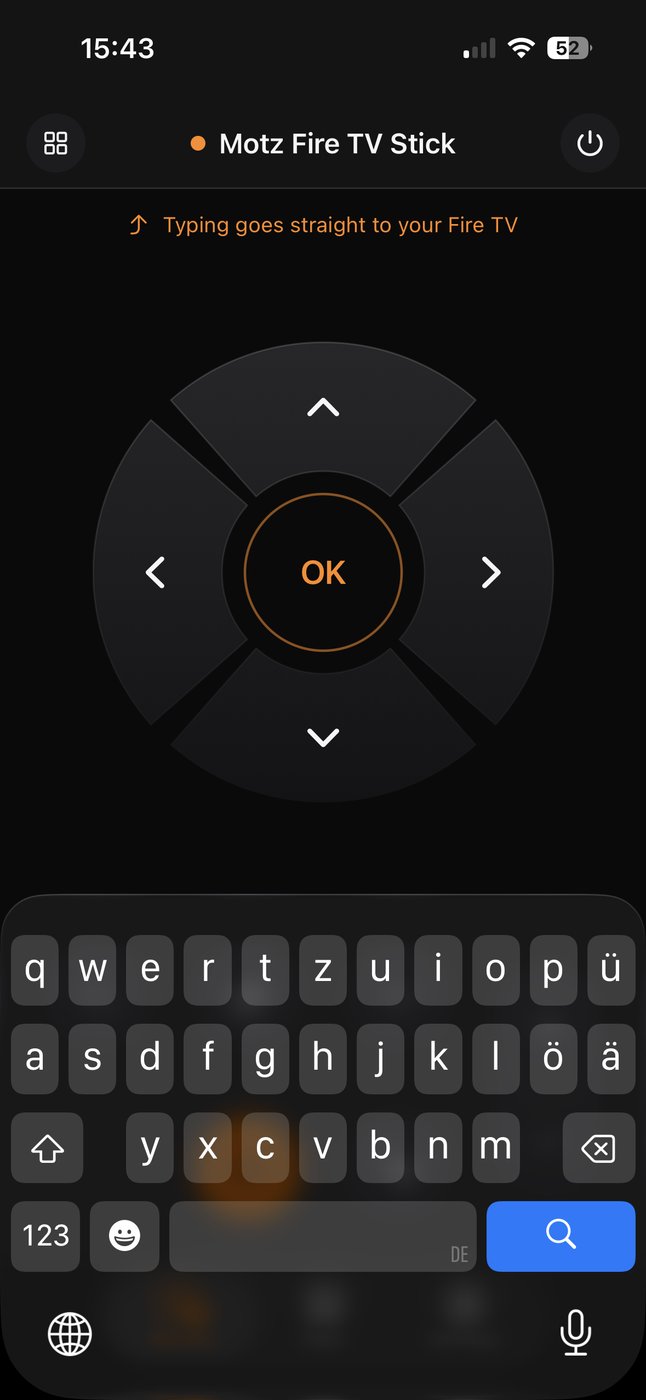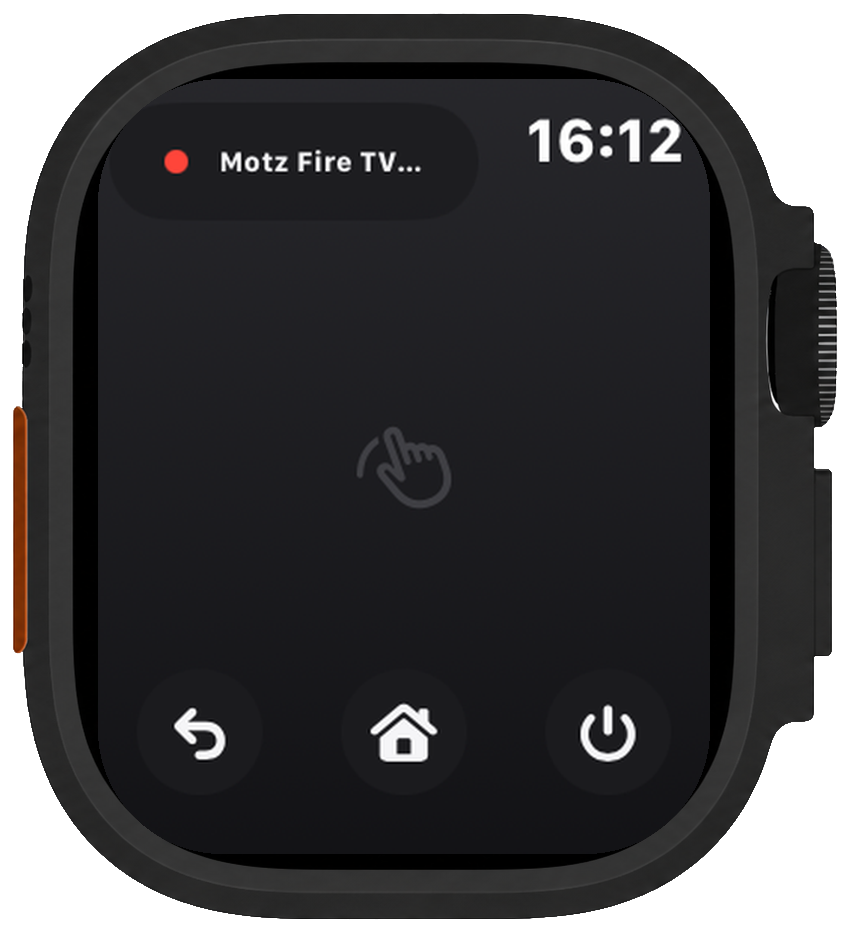
Navigate, control playback, launch apps, type with your phone and adjust the volume — from your iPhone or directly from your wrist.
No subscription. No advertising. No account.


Quick to set up, easy to use, and ready when you need it.
The app finds your Stick automatically. Pair it once and you’re ready.
Navigate with the touchpad and control the volume with your iPhone’s volume buttons.
No account, ads or interruptions — just open the app and use the remote.
The Apple Watch app keeps the essentials on your wrist: a touchpad for navigation, Back, Home and Power, plus volume control with the Digital Crown.
It connects directly to your Stick, so it keeps working while your iPhone stays in another room.
The app finds your Stick automatically. Enter the four-digit PIN shown on screen and start controlling it.
Volume is routed through your Fire Stick TV using HDMI-CEC. If that is not available, you can link your TV directly over Wi-Fi.
Keep the controls you use most exactly where they feel right. Add what you need, remove what you do not, and shape the remote around the way you use it.
The layout stays flexible without becoming complicated, and the standard setup is always one tap away.
The touchpad makes moving through Fire Stick TV feel natural, while your iPhone keyboard handles searches and text entry. Less tapping, less hunting, and fewer interruptions between you and what you want to watch.
Control one Fire Stick TV with navigation, volume, touchpad, keyboard and direct app launching.
No trial. No subscription. No ads.
Free gives you everything needed to control one Fire Stick TV. Pro adds the Apple Watch app, layout customization, media controls and support for every Fire Stick TV in your home.
Your purchase also supports the independent development of Remote for Fire Stick TV+Watch.
Fire Stick TV controls work independently of your television brand. Volume is sent through HDMI-CEC whenever possible.
If CEC is unavailable, the app can connect directly to Samsung, LG, Philips, Sony and Roku TVs over your local network. Samsung is verified on real hardware; the other integrations are implemented but have not yet been tested on physical devices.
The only internet request is for installed-app artwork, loaded from the address provided by your Stick. You can clear it at any time in Settings.